
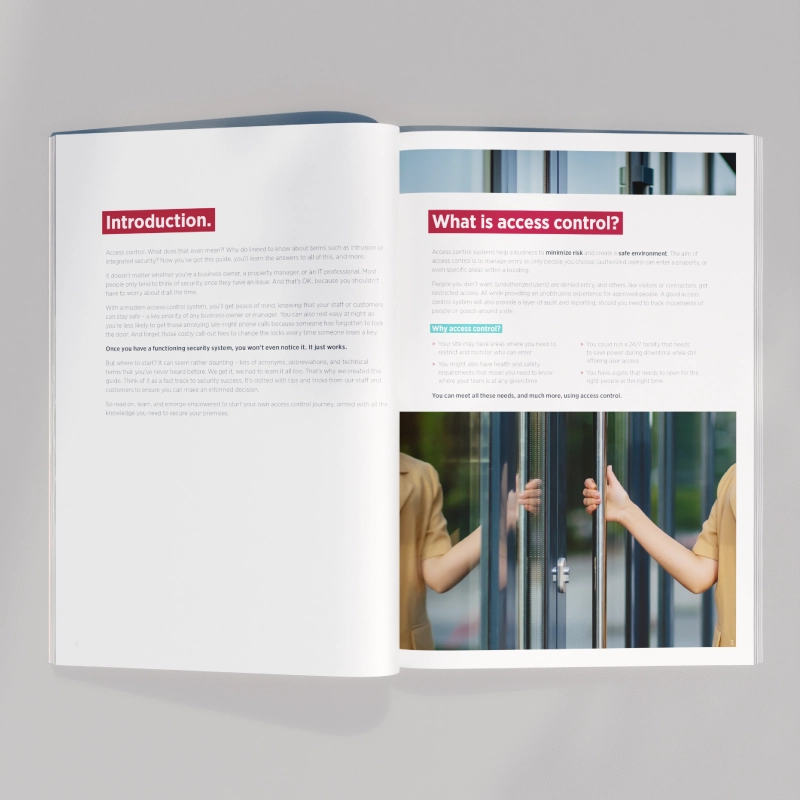
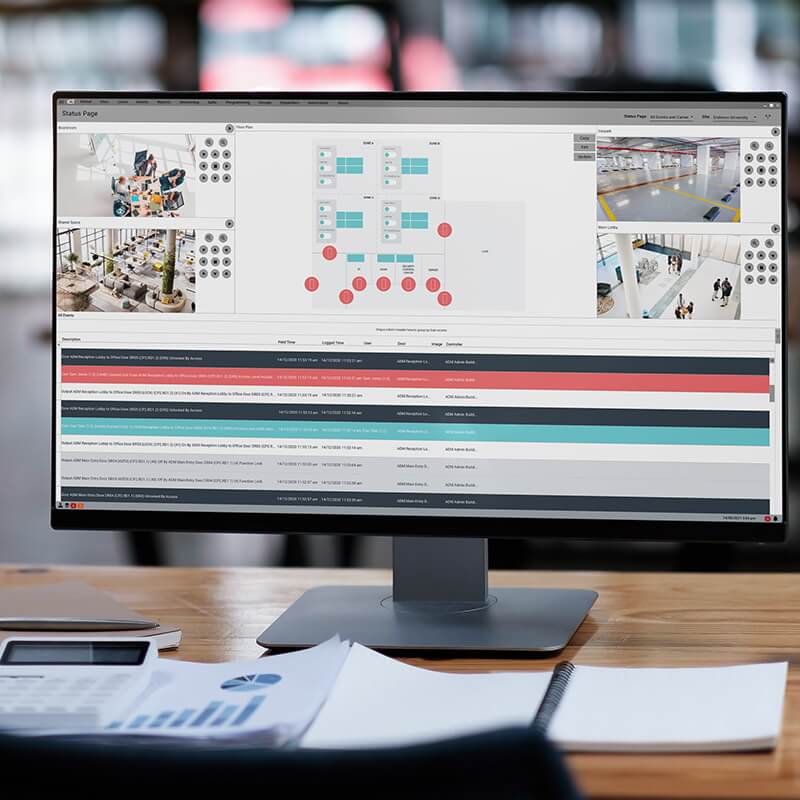







Searching for a Verex replacement?
ICT offers 3 ways to safely secure a property operating a Verex security system. Migrate at your own pace to a future proofed Protege access control and intrusion solution.

Searching for a Verex replacement?
ICT offers 3 ways to safely secure a property operating a Verex security system. Migrate at your own pace to a future proofed Protege access control and intrusion solution.
Journey to the future of unified security
As the Interlogix™ U.S and Canadian businesses wound down in late 2019, and their technical support ended on December 31, 2021, there may be active Verex™ sites or Interlogix dealers looking for support. Should any of these legacy sites develop vulnerabilities in the future or hardware need replacing, where do you turn? Fortunately, ICT offers 3 ways to safely secure a Verex site, while providing a pathway to a future-proofed Protege system.
Switching to Protege doesn't mean you need to start from scratch, talk to us today about the future of unified security.
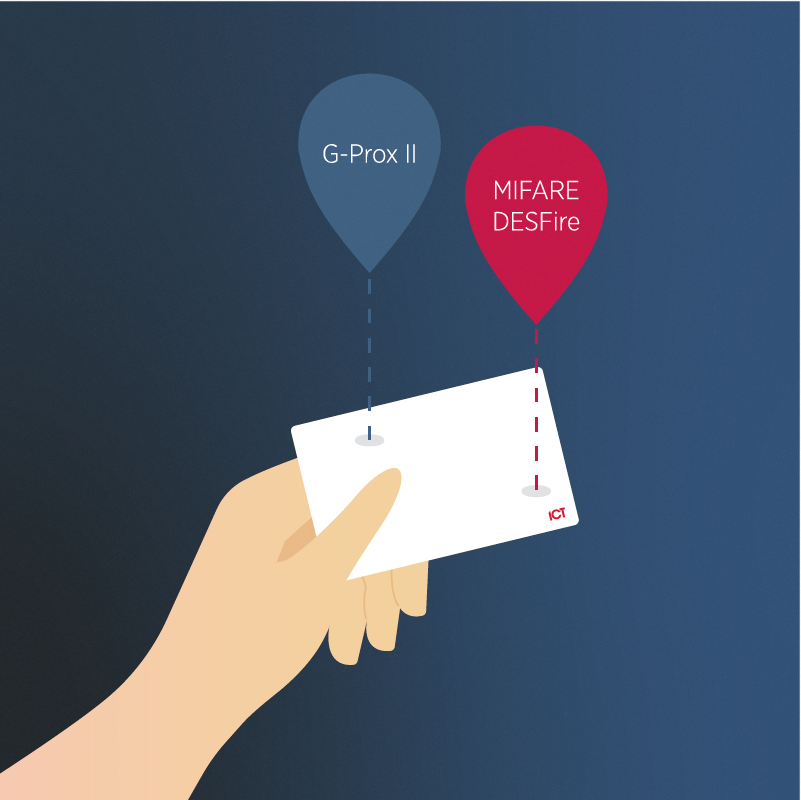
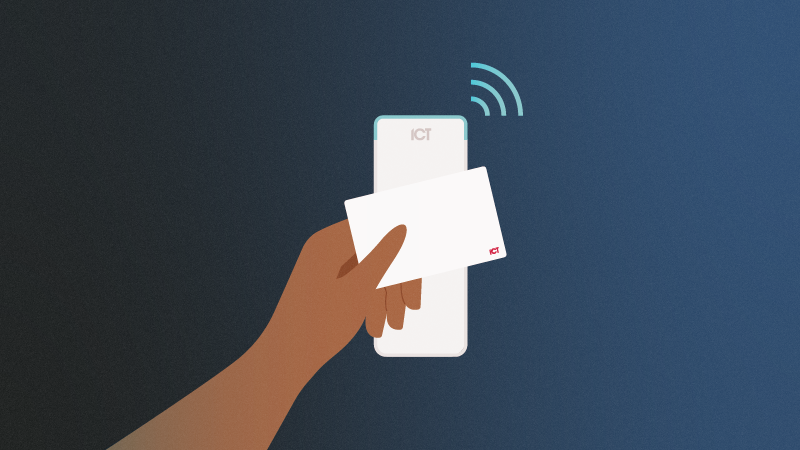
ICT offers a transitional card solution that enables a Verex operator to continue issuing credentials to new users. These dual technology cards include G-Prox™ II and MIFARE DESFire capability and are backwards compatible with legacy Verex readers and an ICT multi-technology tSec or tSec Slim Line card reader. With MIFARE DESFire onboard, you can move towards a higher security solution at your own pace.
Access the Verex migration guide.
If you have any questions, would like further information, or would like to schedule a demo our team are here to help. While we connect you with an ICT representative, enjoy a copy of the Verex migration guide which will be in your inbox shortly.
Journey to the future of unified security.
Switch to Protege today
Making the switch to Protege couldn't be easier. With minimal upfront investment, you can take your time with the transition while taking advantage of a solution that meets both current and future requirements.
Discover unified access control and intrusion detection
Traditionally, access control and intrusion detection systems have worked independently of each other. A Protege system brings these together to provide a single cohesive and unified solution that helps you keep unwanted visitors outside, while enabling you to monitor and control access inside.
Access Control
Restrict and monitor the movement of people within the premises, to enhance safety and security.
Intruder Detection
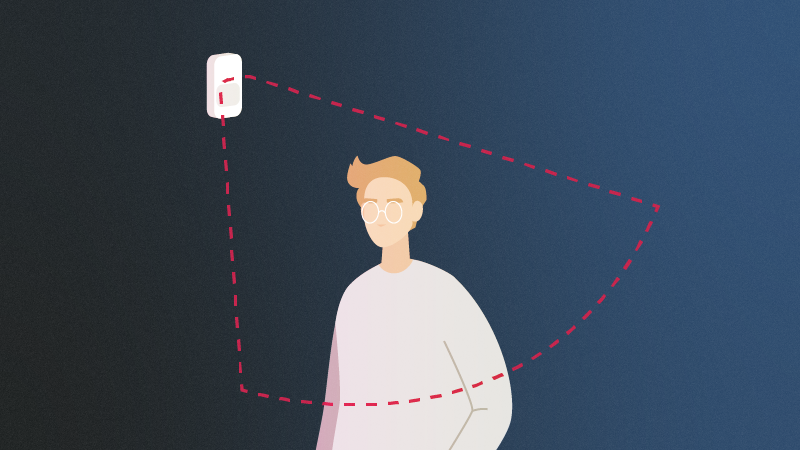
Detect unauthorized access, display an alert and/or audible alarm, and send a notification to the monitoring station.

Building Automation
Manage and control a wide range of building functions, such as lighting, HVAC, and other building systems.
Using a single system for access control, intrusion detection, and building automation not only saves money on the installation, the features it unlocks can lead to improved staff safety, a more user friendly system that is more efficient to operate, and of course a higher level of security.
Frequently Asked Questions
Making the switch from Verex to Protege doesn't need to be a time consuming or costly exercise. We've included some of the questions our Verex installers have asked to help you on your journey.
I was a Verex dealer and I still support customers with a legacy system.
Supporting and servicing a product line that can't be easily replaced or repaired is bound to cause problems.
What can ICT do for me?
- •Offer a viable and cost-effective migration path to Verex site owners, while enabling operators to add new users and functionality.
- •Provide access to Verex migration tools and documentation, enabling you to add value to your customers and increase revenue.
- •Peace of mind is extended to both you and your customers when partnering with ICT. With dedicated R&D teams, a strong in-house manufacturing facility and best in class support your future is secured.
I own or manage a property with a Verex security system.
Continuing to operate a Verex system across your site may work well for now, however, as new vulnerabilities emerge and hardware begins to age or fail you may be faced with a growing number of unsolvable issues.
What can ICT do for me?
- •Provide a tailored migration plan in conjunction with a certified ICT installer.
- •Offer the ability to expand the functionality of your site to meet future needs.
- •Upgrade any failed or failing modules on your system with the latest ICT hardware.
- •Quickly resolve any known security threats through OS and SQL server updates.
- •Enable your business to take advantage of the efficiencies a unified Protege platform provides such as energy savings and mobile access control.
How much does it cost to train on the ICT Protege Platform?
ICT offers free online training for the Protege WX platform, this will help you get up to speed before you take on a Verex migration. We also offer a range of facilitated in person paid training courses, follow on to learn more about further training options.
What prerequisites are there for a system migration?
For a Protege GX migration, all controllers must be online with version 2.08 b 929 or higher. Protege WX controllers must be operating version 4.00 b 409 or higher.
A Vercon tool is required to configure:
- •Advanced door controller
- •LCD Keypad Plus
- •Enhanced Point Expansion
The tool can be downloaded from the ICT website. An ICT Verex SNAPP License must also be acquired.
What Verex modules and versions are supported in the Verex SNAPP integration?
- •Door Module Version 2.5, 2.4, 2.3, 2.1, 1.9, 1.8 and 1.7
- •Fire POD Version 1.03
- •Monitor xL Keypad Version 1.5
- •Monitor xL Input Expander Version 2.3 with VBUS Expansion Boards running 2.0 firmware
- •Monitor ISM Keypad Version 1.1
- •Monitor ISM Input Expander Version 1.2
Supported versions are continually being updated.
How are users and access levels extracted from the current Verex Director database?
Executable scripts in Microsoft Management Studio can extract the user, authority and End of Line Resistor values from the Director database. The EOL values should be pasted into the EOL section of the Vercon tool.
How many modules are supported on the SNAPP bus after migration?
24.
I'm new to ICT, what should I know about your business?
ICT was founded in 2003 by Hayden and Rachael Burr. Almost 20 years later, tens of thousands of companies worldwide use ICT systems every day. Headquartered in New Zealand with a dedicated R&D and manufacturing facility, ICT has offices in Denver, Toronto, Melbourne, Copenhagen, and Hong Kong. With dedicated technical support teams across the globe, ICT is committed to helping you succeed.
The Verex Migration in Action
Backup your Verex database and extract the required records, including PODs, users, access levels, and EOL settings
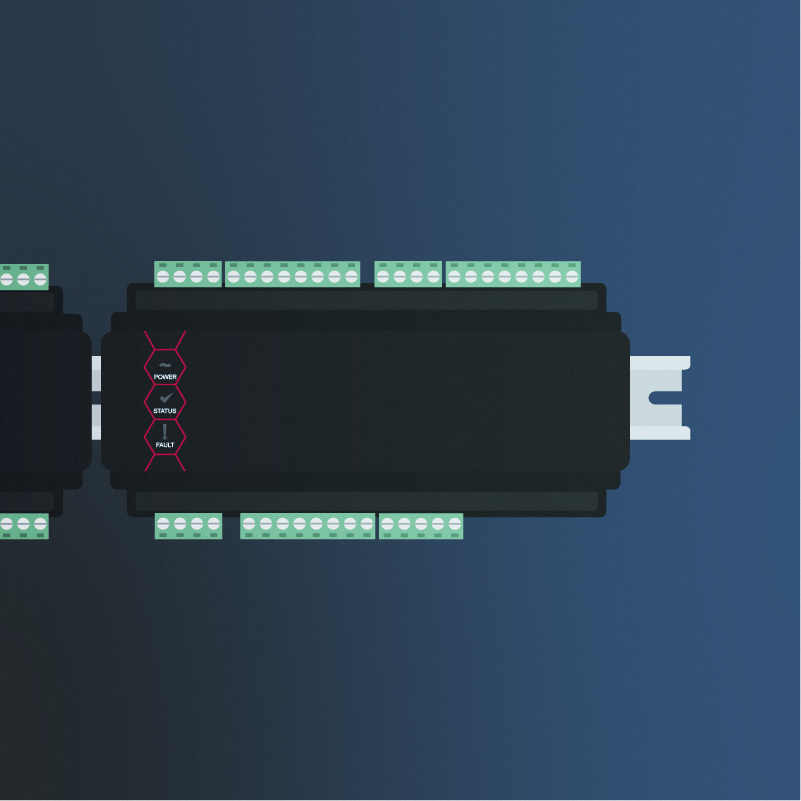
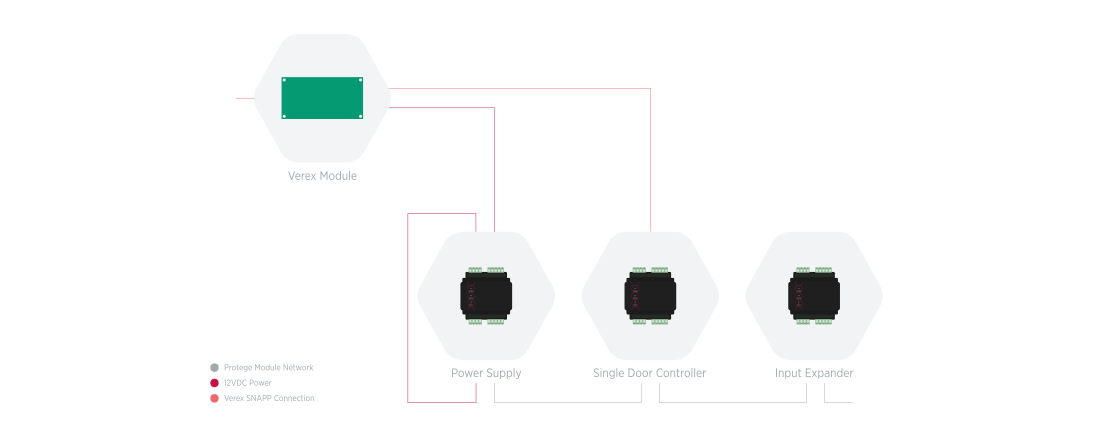
Replace the Verex control panel with a Protege controller, power supply and input expander
Program your Protege system and use ICT's software tool to configure the Verex PODs to operate as Protege modules
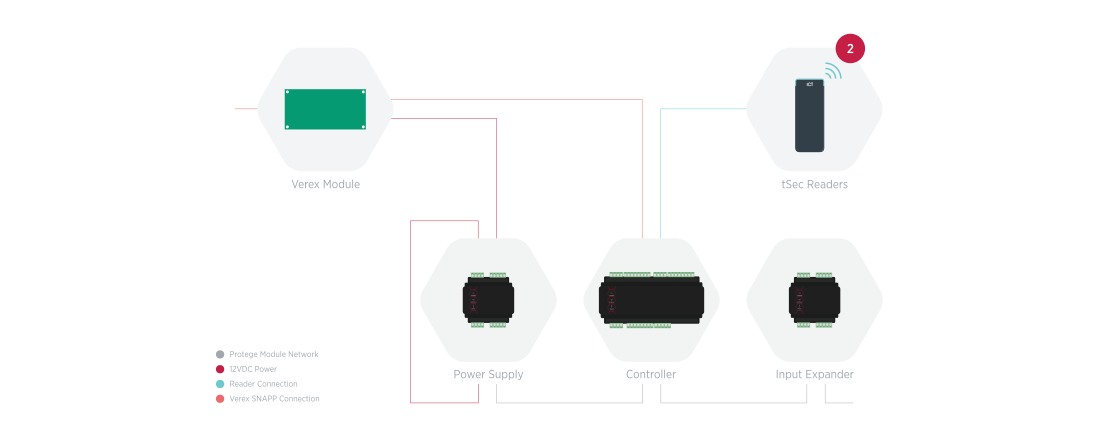
When using a standard two-door Protege controller, one of the onboard reader ports is programmed to communicate with the Verex PODs and the other can be used to control an additional door. The input expander (and any additional Protege modules) are connected using the RS-485 module network port.
Note that the same can be done with a single door controller, but you won't be able to use the reader port for door control. If the existing installation is access control only and you want to take advantage of the onboard reader ports, you can connect to the Verex PODs using the RS-485 module network port on the controller. In this case, you can still connect the power supply to the same port, but the port cannot be used to expand the ICT module network.
Detailed instructions on the migration process can be found in the Transitioning Verex Sites to Protege guide which is available to ICT partners.
Get a top rated access control system
Whether you're a small business needing a scalable solution or a large corporate enterprise project with thousands of access controlled doors and complex user requirements, Protege's leading commercial security systems provide a comprehensive and flexible tool kit to seamlessly migrate a Verex site to the future of unified security.

Small to Medium Business Solutions
Protege WX
A feature rich, out-of-the-box access control and intruder detection solution. Leveraging wizard-based programming for effortless deployment, the web-based interface enables you to work from anywhere
Protege WX
Enterprise or Multi-Site Security
Protege GX
An enterprise level, server-based access control, intrusion detection, and building automation system that effortlessly scales for multi-site security and seamlessly integrates with third-party products.
Protege GX
Modern Hardware
DIN Rail
Minimize effort at installation and maximize space in your cabinet/enclosure. The modular design enables you to easily expand while blending smoothly into large scale installations alongside electrical switchboard components.
Protege DIN Rail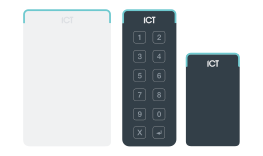
Access Door Readers
Multi-Technology tSec
Smart, stylish, and secure. Our RFID door lock is multi-technology compatible so no matter your access card system needs, ICT's tSec readers have a solution. Available with mobile credentials, 125kHz technology and 13.56 smart cards.
Proximity Card & RFID Readers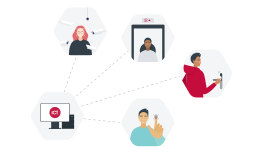
Expanded Site Capabilities
Third-Party Integrations
Our open technology policy means even more value for your money. Building management systems, wireless locking, elevator control, intercoms, video surveillance, and more are all possible thanks to seamless integrated video and access systems.
Our IntegrationsKey Features Offered in Protege

Elevator Systems
Integrating Protege access control with a Verex low level elevator system not only increases building security, but it also provides added convenience and improves the flow of people.
Find out more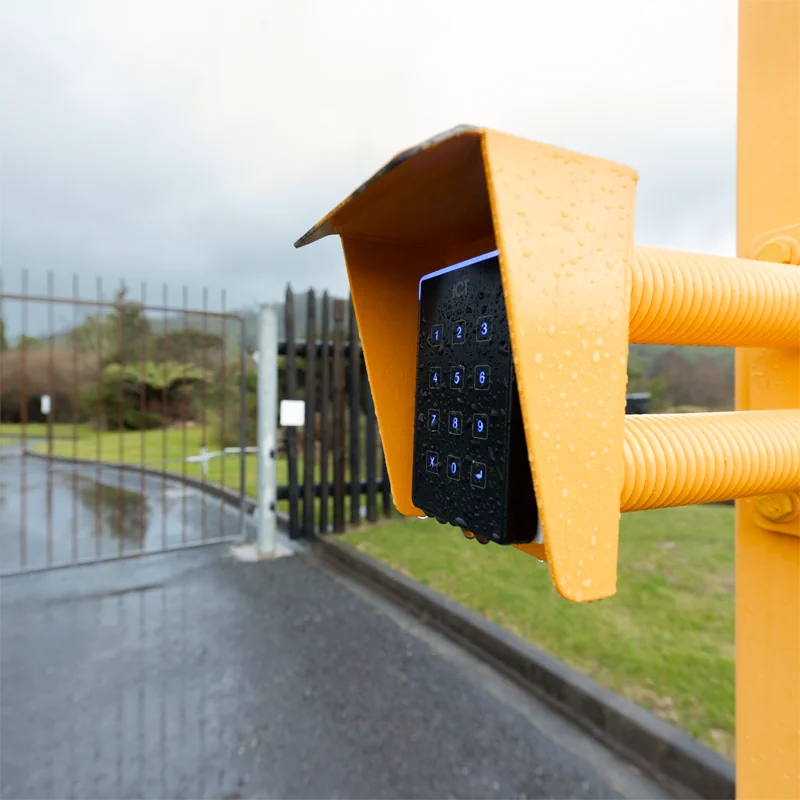
Perimeter Security
Stay arming mode allows you to arm the perimeter of the building, while occupants remain inside. Integration with wireless detectors also enables you to expand intrusion detection into difficult to wire places.
Find out more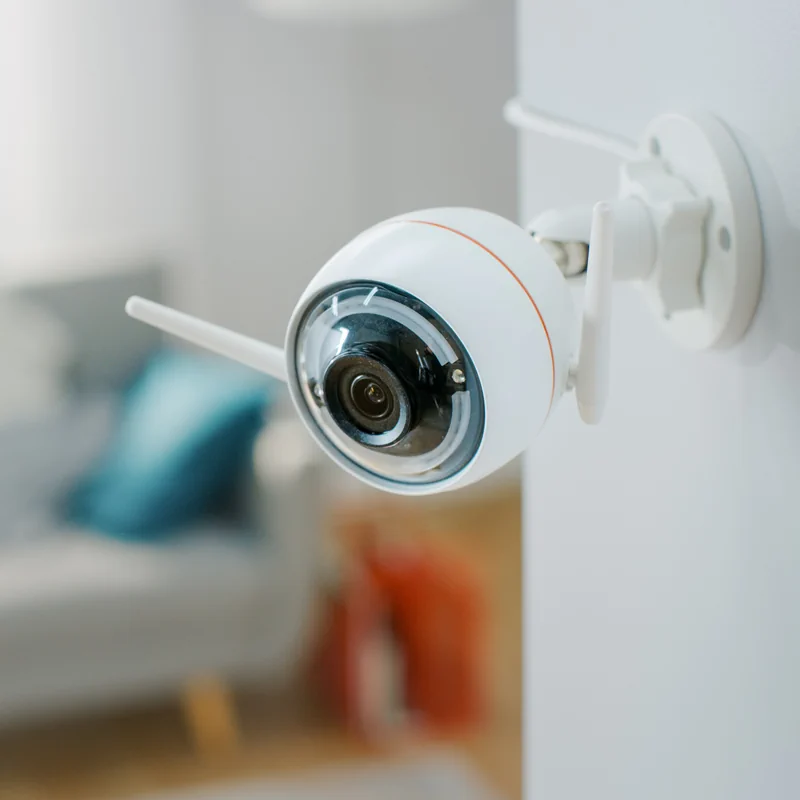
Video Surveillance
Seamless integration with a variety of CCTV systems enables you to control cameras, and view live and historical video footage from a single easy to use interface.
Find out more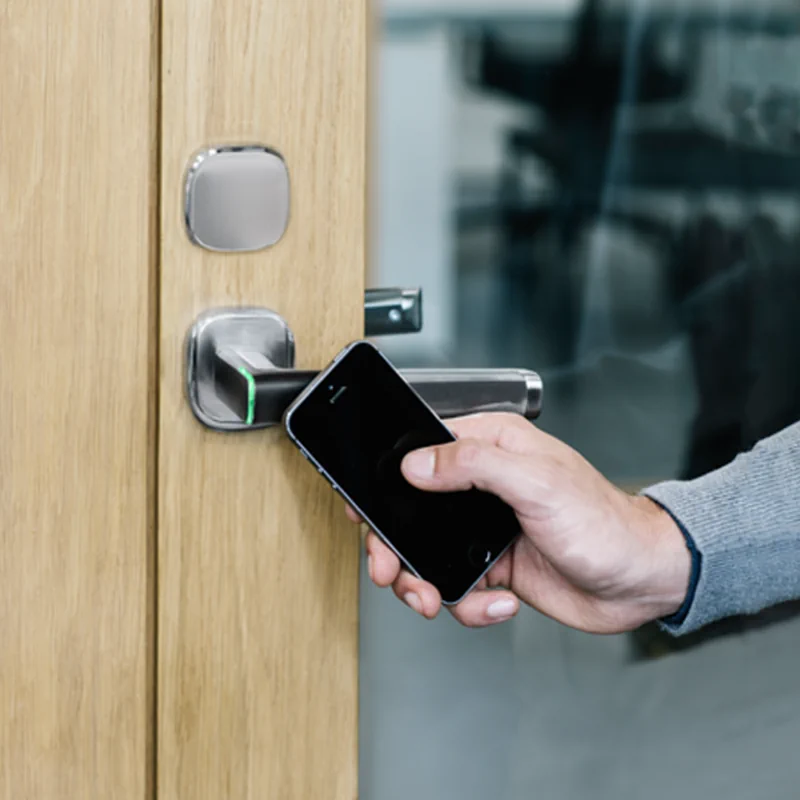
Wireless & Offline Locking
Integration with a wireless or offline locking system offers a cost-effective solution to provide secure, keyless access.
Find out more
Building Management
Integration with building management systems enables you to control HVAC, lighting, energy, fire, and elevator systems.
Find out more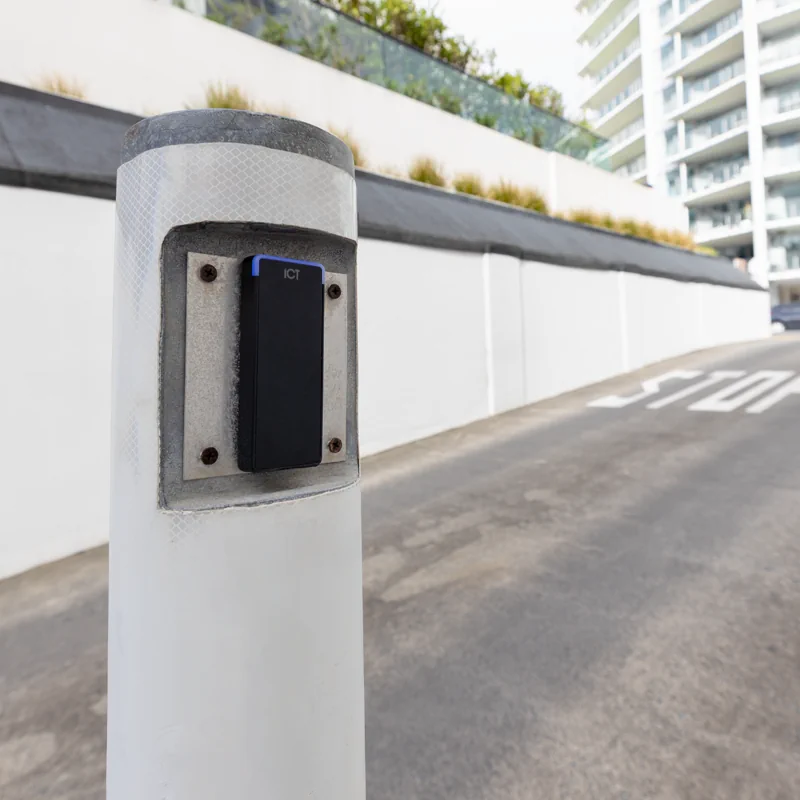
Parking Solutions
Using our Bluetooth tSec range, an ICT wireless remote, a Wiegand long range reader, or License Plate Recognition (LPR) there are a range of solutions available for secure parking facilities.
Find out more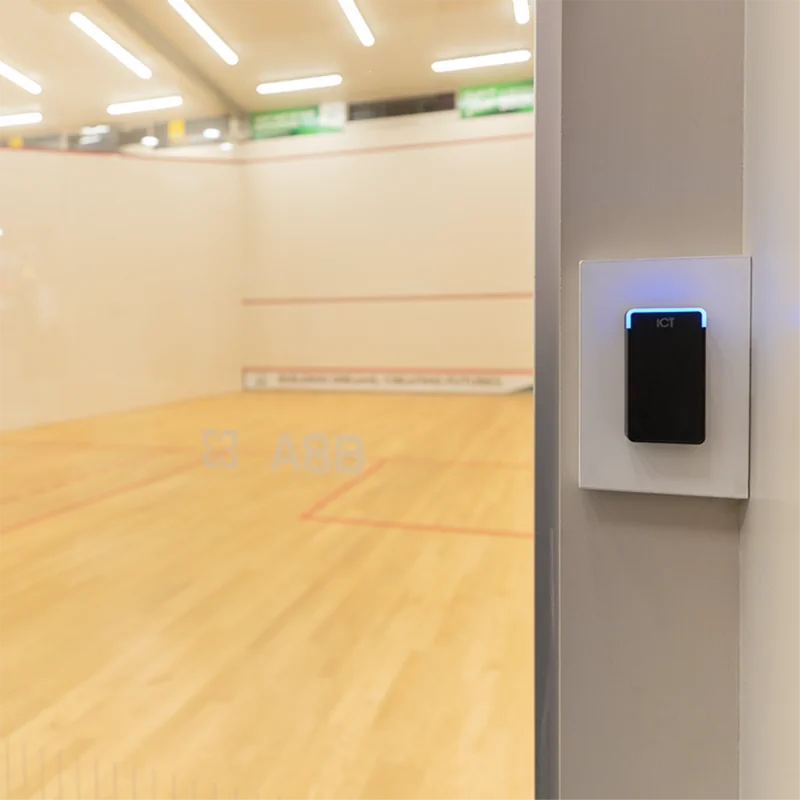
Community Amenities
Controlling access to club rooms, gyms, and swimming pools enables management to provide access on a subscription basis or for tenants to reserve facilities.
Find out moreDisclaimer
Interlogix™ and Verex are trademarks of Carrier® and are not associated with this offer. All claims relating to the Interlogix shutdown in the U.S and Canada are publicly accessible on www.interlogix.com. ICT makes no claims that Verex security systems currently face physical or cybersecurity vulnerabilities, and ICT notes that due to technical support being ended as of the 31st December 2021 any future vulnerabilities that could potentially arise will need support to be rectified.